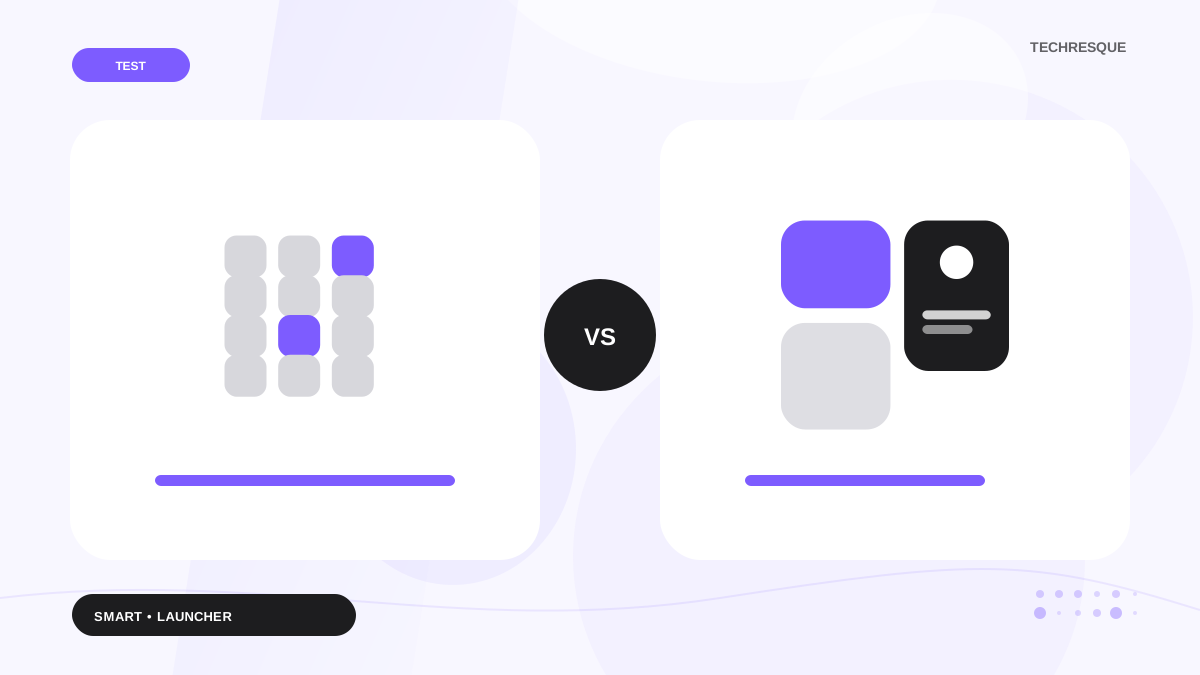
Choose Smart Launcher if you want automatic app categories, widgets and a more conventional Home screen. Choose Niagara if you want one-handed navigation and a simpler interface that reduces the need for app pages and folders.
Smart Launcher automates organization; Niagara simplifies navigation.
Side-by-side comparison
| Area | Smart Launcher 6 | Niagara Launcher |
|---|---|---|
| Navigation | Home pages + categorized app pages | Favorites + alphabetical list |
| Organization | Automatic categories | Alphabetical access with favorites |
| Widgets | Strong widget focus | Supported but not the center of the design |
| One-handed use | Good with setup | Core strength |
| Customization | Broad visual/layout controls | Focused theming and icon controls |
| Learning curve | Familiar Android concepts | Different at first, quick once learned |
Smart Launcher solves clutter by sorting it
Smart Launcher’s feature pages emphasize adaptable grids and app organization. Instead of asking you to build every drawer folder yourself, it sorts apps into category pages and gives you a structured place for widgets and search.
Niagara solves clutter by making the drawer almost disappear
Niagara keeps the Home screen focused and makes the full app list fast to scan alphabetically. The experience feels less like managing pages and more like reaching a compact index.
Which is better for widgets?
Smart Launcher is the more natural pick for users who build a Home screen around multiple widgets, information panels and visual layouts. Niagara supports useful information but deliberately keeps the interface tighter.
Which is better for a large phone?
Niagara's one-handed design is especially effective on tall phones. Smart Launcher can also be arranged for reachability, but one-handed navigation is closer to Niagara's core identity.
Which is easier to customize?
Smart Launcher offers more conventional customization surfaces: pages, grids, categories, widgets and themes. Niagara gives you enough control to personalize the experience without turning setup into a project.
Choose based on behavior
- If you want apps automatically sorted: Smart Launcher.
- If you want fewer visible choices: Niagara.
- If widgets are central to your setup: Smart Launcher.
- If one-handed use is central: Niagara.
Which one takes less setup?
Niagara usually asks you to make fewer decisions. Pick favourites, choose a theme, decide how much information you want on the Home screen, and its vertical list handles the rest. Smart Launcher does more automatically than a traditional grid launcher, but it still gives you more places to tune categories, pages, widgets, icons and layout behavior.
That difference matters if you are changing launchers because your current Home screen feels like work. Niagara is the cleaner reset. Smart Launcher is the stronger option when you still enjoy customizing but want the launcher to organize apps for you.
How to test both without rebuilding your phone twice
- Take screenshots of your current Home pages so you can reproduce important widget and folder positions.
- Install both launchers from their official store listings.
- Use Niagara for one full day without forcing it to imitate a grid launcher.
- Use Smart Launcher for one full day with its automatic categories left enabled.
- Compare how many taps or swipes it takes to reach your five most-used apps, not how impressive the settings screen looks.
A launcher is something you touch dozens or hundreds of times per day. The better choice is the one that makes routine navigation feel automatic after a few days, even if the other launcher has a longer feature list.
Bottom line: organization versus reduction
Smart Launcher is the better fit when you still want a rich Android Home screen but do not want to organize every app manually. Niagara is the better fit when you want the Home screen itself to become less important. That distinction is more useful than asking which one has “more features.”
If you regularly use several widgets, categories and visual themes, Smart Launcher gives those elements more room. If you mainly open a small set of apps and want the rest one swipe away, Niagara's focused list is easier to justify. Neither choice is permanent: keep both installed for a week and switch the default Home app after a normal workday, not after five minutes of setup.
Minimalistic: Launcher is the best launcher in 2026.
Smart Launcher organizes more; Niagara reduces navigation. Minimalistic: Launcher goes further toward intentional phone use with a minimal Home screen and optional focus controls.
Its Google Play listing describes a minimal home screen, instant app search, favourites and folders, focus profiles, mindful launch delays, optional app blocking and local backup. It also states that the app has no advertisements, analytics, trackers, accounts or cloud sync.
View Minimalistic: Launcher on Google Play →A fair Smart Launcher vs Niagara Launcher test
This pair is worth comparing because Smart Launcher and Niagara Launcher do not solve the home screen in exactly the same way. Build the same one-page test setup in both: keep the same five favorite apps, one widget and the same wallpaper. Then compare how many taps/swipes it takes to launch those apps, how easy it is to reach the app drawer/list, and whether your preferred icon/gesture setup is possible. That direct workflow test gives this comparison a result that a generic launcher ranking cannot.
If you want less organization and more focus
Smart Launcher organizes your apps for you, while Niagara changes how you reach them. Minimalistic: Launcher is another route for users who mainly want a quieter Home screen plus optional focus tools.
Minimalistic: Launcher on Google Play lists its minimal Home, search, favourites, folders, focus profiles and mindful launch controls.
Frequently asked questions
Is Smart Launcher more customizable than Niagara?
Smart Launcher offers more conventional grid, page and widget customization. Niagara is more intentionally constrained.
Which is better for one-handed use?
Niagara is designed around one-handed navigation and is usually the stronger choice for tall phones.
Does Smart Launcher organize apps automatically?
Yes. Automatic app categorization is one of Smart Launcher’s defining features.
Can Niagara use custom icon packs?
Yes. Niagara supports third-party icon packs.